Student membership certificates are now available in NEHS Connect.
Accessing Student Membership Certificates Video Tutorial
Step-by-step Guide to Accessing Student Membership Certificates
Student membership certificates and welcome letters are available to download in NEHS Connect once payment has been received and authorized. You will receive an email notifying you of the payment authorization. At that point, you will be able to download certificates and letters.
- Click “Login” on the NEHS Connect homepage.
- Input your username and password.
- You will then be able to see details of your chapter, including school name and address, current Advisors, and current members.
- Scroll down to “Members.”
- You will see all your members listed here.
- Use the date filters to select specific student certificates and letters you want to download, based on student enrollment date. The first date should be your students’ enrollment date. Enrollment dates can be found in payment invoices.
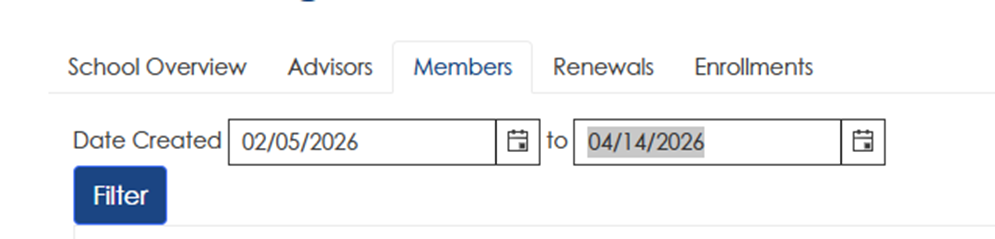
- Click “Download Member Certificates” and/or “Download Welcome Letters” for your students.
- You will be presented with print-quality PDF documents.
- You will also be able to download your official Charter and Chapter Advisor certificates.
